


Studio & DJ / 25 NOV 2026
Ableton refines Push sequencing in the Live 13 beta
Ableton’s November 25 Push beta notes list visible frequency splits for Multiband Rack chains, changes to the eight-row step-sequencer display and direct control of the global step count from the first encoder.
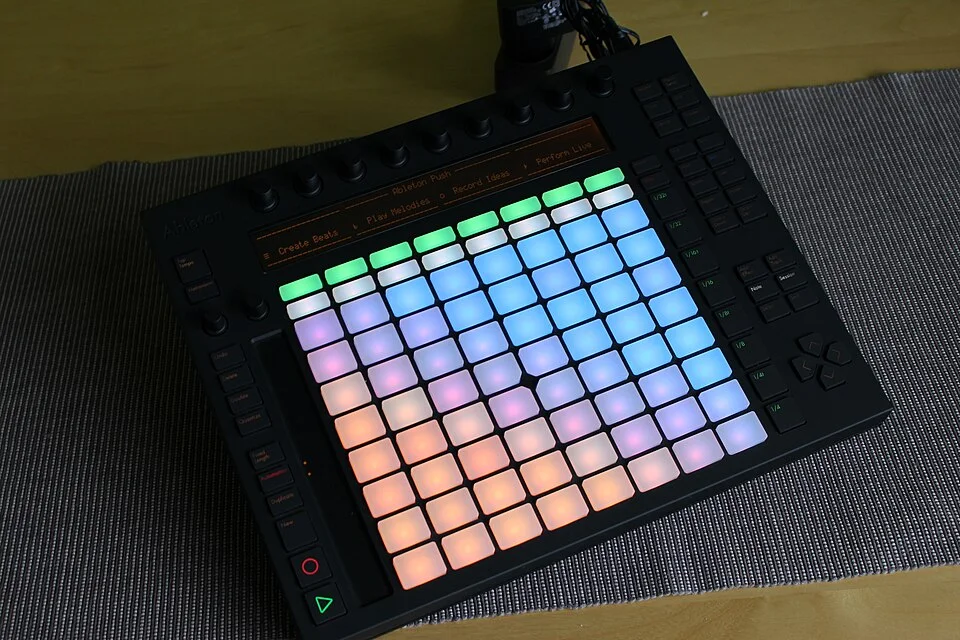
Follow the build number
The November 25 Push notes concern 13.0b27. In that build the first encoder adjusts the global step count, replacing the previous second-display-button control. Fewer-than-eight-row clips dim unused rows, and the playhead no longer traverses them. The November 26 13.0b28 entry says it has no Push-specific updates, so credit these changes to the earlier build rather than the later release.
Try a controlled sequencing test
Make a copy of a short drum pattern, switch between shorter and longer global counts, and look for whether the display still makes the intended loop length obvious without your computer open. Then compare the clip view and the arrangement view. This separates a changed gesture or display from an accidental edit to your project. Keep the original set on a known working version for a performance.
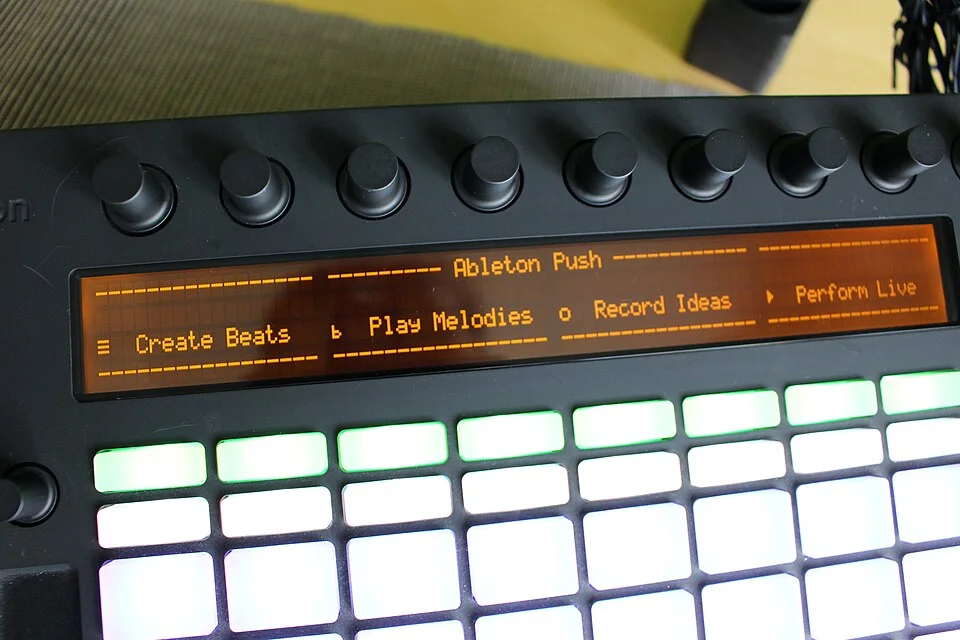
Know what a filter display does
The update also exposes frequency split points for Multiband Rack chains. That is a way to read the routing while staying on the hardware; it should not be mistaken for a change to the sound of an existing chain. As a second test, build an empty rack with known split points before opening a working project and check that the view matches your routing.
Document the side-by-side test
Make note of the version on the computer and the one shown on Push, and write down which gesture did what before updating a second machine. If a pattern sounds different, compare routing and clips rather than attributing the change automatically to the display. A short saved test set makes it easy to reproduce the result on the same build.
Watch: the story in 15 seconds
Radio Glamorize’s original, silent editorial explainer, with licensed or public-domain photographs and source-checked captions. This is not an official music video or event recording.
Read the on-screen notes and image credits
- The relevant Push sequencing changes are in 13.0b27.
- The first encoder controls the global step count in this build.
- Check short rows and split-point displays before moving a live set.
Photo credits: GeschnittenBrot (CC BY-SA 2.0); GeschnittenBrot (CC BY-SA 2.0). Photos were cropped and set in motion. This clip is licensed CC BY-SA 4.0.


