


Studio & DJ / 17 NOV 2026
AlphaTheta adds wireless and wired DJ monitoring options
AlphaTheta announced two over-ear DJ headphone models on November 17. The HDJ-F5 uses the company’s low-latency SonicLink connection for compatible DJ equipment and also supports Bluetooth for everyday listening. The HDJ-C5 is the wired-only alternative.
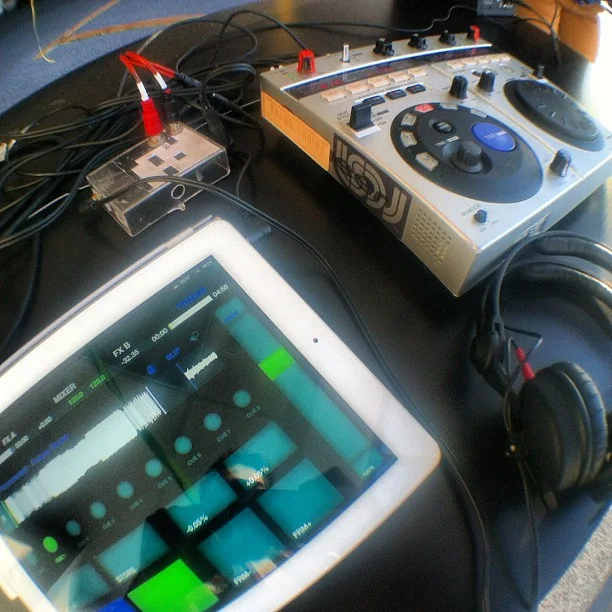
SonicLink and Bluetooth are not the same monitor path
The HDJ-F5 offers AlphaTheta’s SonicLink link for compatible monitoring and Bluetooth for ordinary listening, while the HDJ-C5 is wired. AlphaTheta’s figure of latency as low as 9 milliseconds applies to SonicLink; it is not a promise for Bluetooth or a measurement of a complete booth signal chain.

Check the mixer first, then the headphones
Before choosing wireless, identify the cue output you actually use. Check the mixer’s compatibility and whether the connection will require an additional transmitter or cable. If you move between booths, confirm what is installed before you arrive rather than assuming all AlphaTheta systems offer the same link. A familiar wired cue path is also a useful backup while you learn an unfamiliar booth.
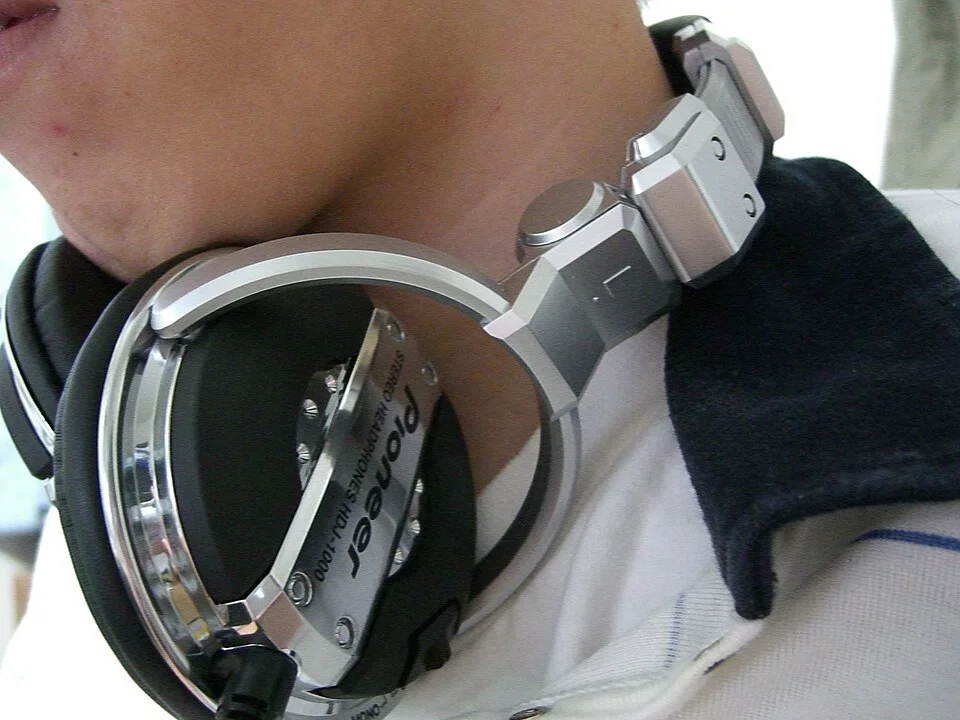
Audition using an actual cue task
Play a rhythm in the main output, select a similar pattern in cue, and work through a quiet blend before testing anything loud. See whether you can reliably hear the front edge of both attacks and whether cue control feels immediate. That workflow reveals more than listening to a complete track on a familiar stereo. The illustrative headphones in the archival photography are not asserted to be either new model.
Plan a wired fallback before the first set
Try the intended connection with two sources at low volume. Note where the cue comes from, how you will recover if a link fails, and what cable the venue provides. Specific latency claims are useful only alongside the rest of that chain. Check published compatibility rather than treating two headphones with similar names as interchangeable.
Watch: the story in 15 seconds
Radio Glamorize’s original, silent editorial explainer, with licensed or public-domain photographs and source-checked captions. This is not an official music video or event recording.
Read the on-screen notes and image credits
- HDJ-F5 adds SonicLink and Bluetooth. HDJ-C5 is wired.
- The manufacturer’s 9 ms figure is specific to SonicLink.
- Mixer, transmitter and connection mode determine compatibility.
Photo credits: Djmichank (CC BY-SA 4.0); jim212jim from Kobe, Japan (CC BY 2.0). Photos were cropped and set in motion. This clip is licensed CC BY-SA 4.0.


